About This Game
Play classic Super Mario games online directly in your browser with zero downloads required! Guide Mario through the Mushroom Kingdom to rescue Princess Peach from Bowser.
🎮 Controls Guide for Current Game
The Evolution of Super Mario Bros.
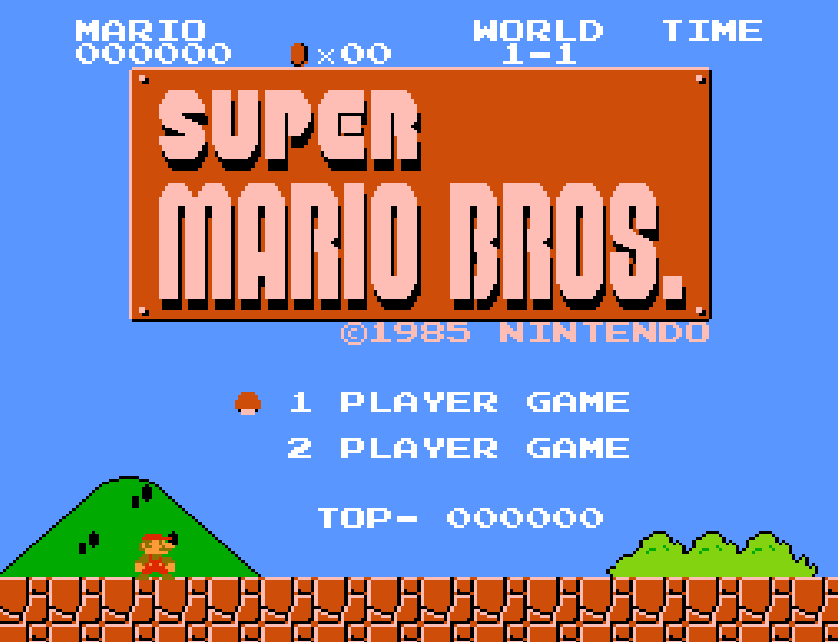
First released by Nintendo in September 1985 under the visionary direction of Shigeru Miyamoto and Takashi Tezuka, Super Mario Bros. single-handedly revived the North American video game industry after the 1983 crash.
From the side-scrolling precision of the 8-bit NES era to the 16-bit beauty of Super Mario World and the groundbreaking 3D revolution of Super Mario 64, the franchise has defined gaming excellence for four decades. On MarioGamesHub, you can experience every legendary chapter directly in your web browser.
Legendary Cheats, Warps & Secrets
1. Warp Zones (World 1-2): In World 1-2, jump onto the elevator lifts and run along the top ceiling past the exit pipe to find the secret Warp Zone to Worlds 2, 3, and 4!
2. World 4-2 Super Warp: Find the hidden beanstalk vine in World 4-2 and jump above the screen to warp all the way to World 6, 7, or 8.
3. The Infamous Minus World (World -1): At the end of World 1-2, duck and jump backwards through the brick wall to glitch into the endless water level known as the Minus World.
4. Continue After Game Over: Died at World 7-3? Don't panic! On the title screen, hold down the A button and press Start to resume right at the beginning of the world you crashed on.